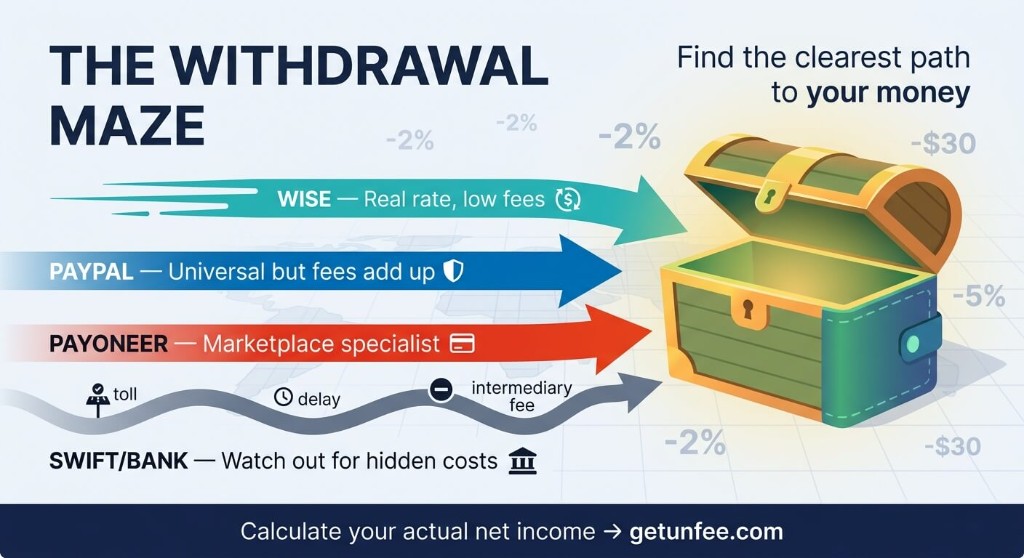
Wise vs PayPal vs Payoneer: Best Withdrawal Method for Freelancers
Last updated: March 25, 2026
Platform fees are only half the story. This guide compares the three most popular withdrawal methods international freelancers use to get paid — and what each one actually costs you.
Wise
Low FX spread
PayPal
Universal
Payoneer
Platform default
Quick Comparison
| Feature | Wise | PayPal | Payoneer |
|---|---|---|---|
| Receiving fee | Free (bank details) | ~2.9% + $0.30 | Varies by source |
| FX rate | Mid-market + 0.3–1.5% | Hidden markup 2.5–4% | Markup ~2–3% |
| Withdrawal to bank | Low flat fee | Free (with markup) | ~$1–3 per transfer |
| Speed | 1–2 business days | Instant to PayPal balance | 2–5 business days |
| Best for | Large international transfers | Small payments, US clients | Upwork, Fiverr, marketplaces |
Wise
Low FX spread
Mid-market rate + 0.3–1.5%. Best for large USD/EUR/GBP transfers to local bank.
PayPal
~2.9% + FX markup
Universal but expensive on conversion. Good when clients insist on PayPal.
Payoneer
Marketplace default
Built into Upwork/Fiverr payouts. ~2–3% FX markup + small withdrawal fee.
Real Cost Example: $5,000 Withdrawal
Approximate total cost to convert $5,000 USD into a local currency and land it in your bank account (rates vary by country and day):
- Wise: ~$15–75 total (0.3–1.5% + small transfer fee)
- PayPal: ~$145–345 total (2.9% receiving + 2.5–4% FX markup)
- Payoneer: ~$100–200 total (2–3% FX markup + withdrawal fee)
On a single $5,000 payment, choosing Wise over PayPal can save $70–270. Over a year of regular freelance income, that difference compounds into thousands.
When to Use Each
Choose Wise when:
- You receive USD, EUR, or GBP from direct clients or platforms that support Wise.
- Transfer amounts are $1,000+ where FX savings matter most.
- You want transparent, mid-market exchange rates with no hidden spread.
Choose PayPal when:
- Your client only pays via PayPal and refuses alternatives.
- You need instant access to a balance for online purchases or small transfers.
- Payment amounts are small enough that FX markup is negligible in absolute terms.
Choose Payoneer when:
- Upwork or Fiverr pays out directly to Payoneer (often the default option).
- You want a dedicated USD/EUR receiving account without opening a foreign bank.
- You batch withdrawals monthly and accept the FX markup for convenience.
Pro Tip: Stack Your Savings
The cheapest freelance stack in 2026 often looks like this: earn on a low-fee platform (Upwork with a long-term client at 5–10%), withdraw via Wise or direct bank where possible, and avoid PayPal conversion unless the client requires it. Every layer — platform, intermediary, bank — takes a cut. UnFee lets you model all three in one calculation.
Calculate your withdrawal costs now
Select your platform, withdrawal method, and bank to see exactly how much lands in your account after every fee.
Calculate Fees
You Keep
$0.00
Related guides
- PayPal vs Wise (TransferWise): Which is Better for Freelancers?
Compare PayPal and Wise withdrawal fees for international freelancers. See which payment method saves you more on currency conversion and transfers.
- Freelance Invoice Best Practices: How to Get Paid Faster
Professional invoicing tips for freelancers: payment terms, international billing, and strategies to get paid faster across borders.
- Upwork Fees Explained: How to Maximize Your Income
Understand Upwork's sliding fee structure: 20%, 10%, and 5% tiers. Learn how to maximize your net income and calculate exact take-home pay.