Upwork Fees Explained: How to Maximize Your Income
Last updated: January 1, 2026
A comprehensive guide to understanding Upwork's sliding fee structure in 2026.
The "Sliding Scale" Mechanism
Unlike Fiverr's flat 20% fee, Upwork uses a sliding scale designed to reward long-term client relationships. When you start working with a new client, Upwork takes a 20% cut of your earnings. However, as you bill that same client more over time, your fee decreases.
- 20% fee: First $500 billed to a specific client.
- 10% fee: Total billings to that client between $500.01 and $10,000.
- 5% fee: All billings to that client exceeding $10,000.
Real-World Example
Imagine you land a $1,000 project. On Fiverr, you pay $200 and keep $800. On Upwork, because it's a new client, you pay 20% ($200) as well. But if you retain that client and bill them $15,000 over the next year, your fee drops to an effective rate of roughly 7.5%, saving you over $1,800 compared to Fiverr.
The 0% Top Rated Plus Program
If you maintain a high Job Success Score and earn over $10,000 in a 6-month period, you become eligible for Top Rated Plus status, which reduces your fee to a flat 10% on all projects, bypassing the sliding scale. This is the ultimate goal for high-earning Upwork freelancers.
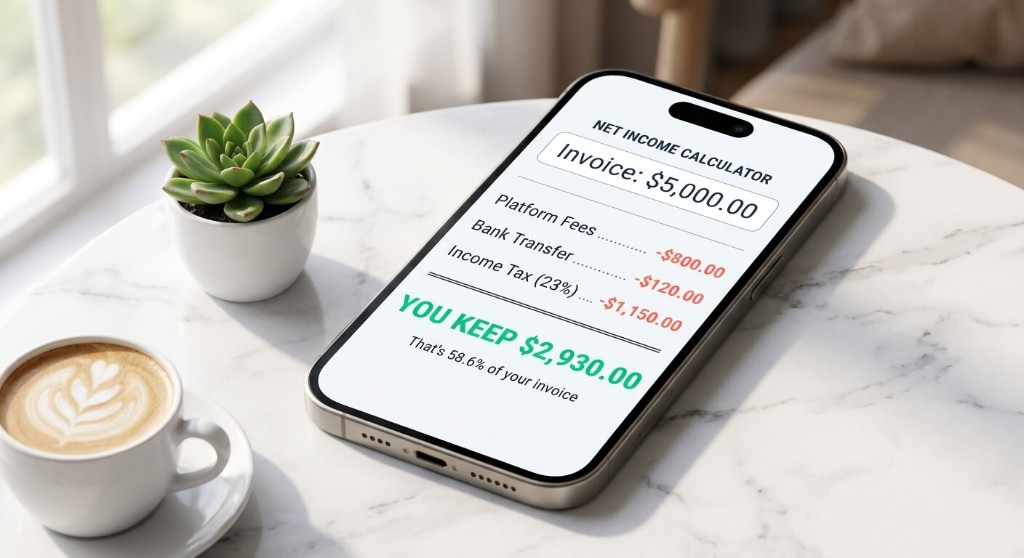
Calculate Your Upwork Fees Now
See exactly how much you will keep after Upwork takes their cut, plus bank fees.
Calculate Fees
You Keep
$0.00
Related guides
- Upwork vs Fiverr: Which Platform Pays More in 2026?
Compare Upwork and Fiverr fees side by side with real net income examples. See which platform pays more for your project size and client type.
- Fixed-Price vs. Hourly Contracts: Which Pays More?
Fixed-price or hourly billing? Compare which freelance contract type pays more after platform fees, scope risk, and your effective hourly rate.
- How to Account for Taxes in Your Freelance Rates
Learn how to build tax obligations into your freelance pricing so platform, bank, and government deductions never catch you off guard.